One Last Cast System Requirements
Lightweight specs for a lakeside that stays out of the way.
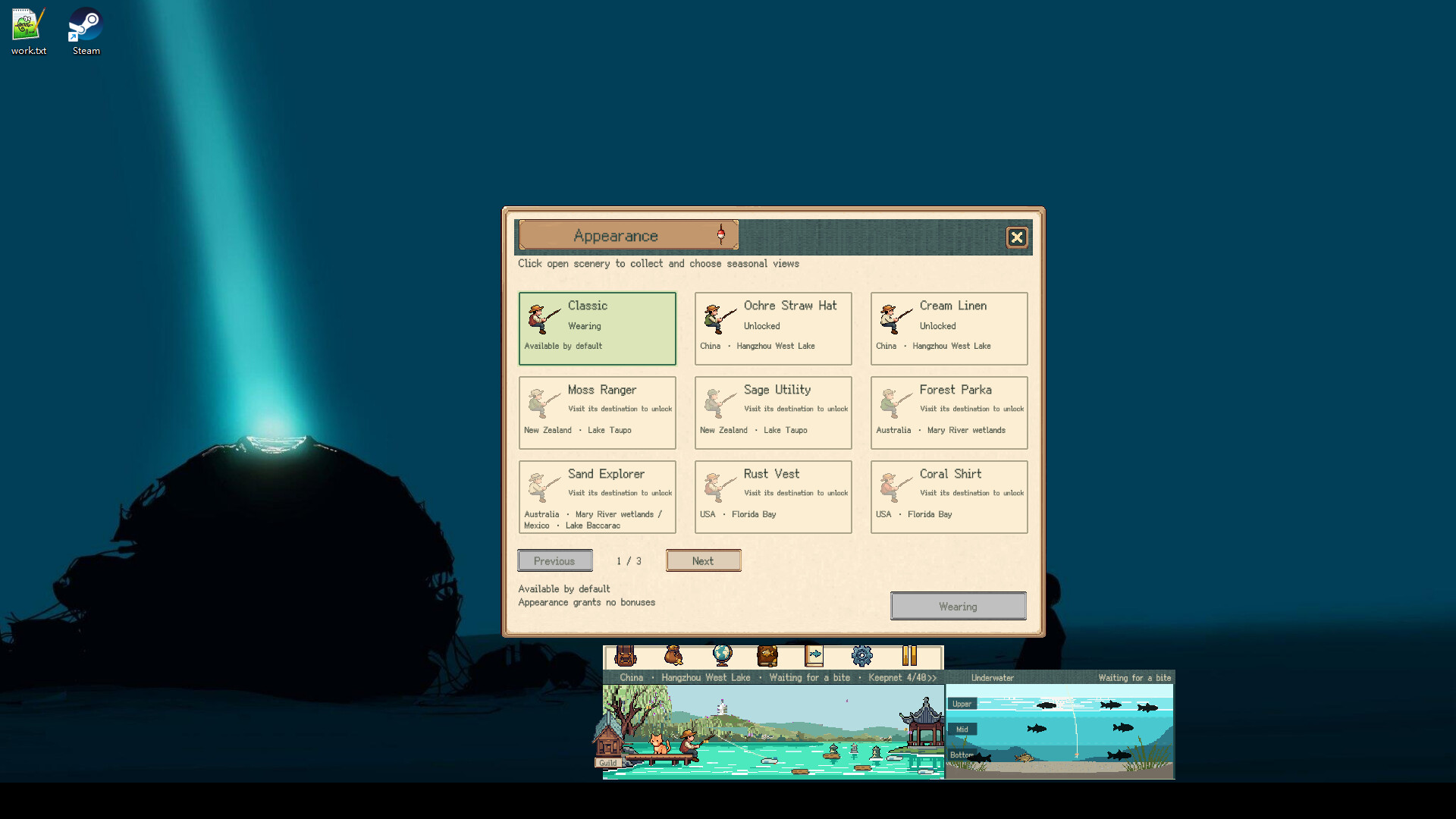
One Last Cast is built as a lightweight desktop companion. You should be able to leave it running beside browser tabs, documents, or study tools without treating it like a AAA render test. This page summarizes the public minimum and recommended Windows requirements and explains how to interpret them for AFK fishing comfort.
Always re-check the live Steam store widget for app 5508060 (and demo 5508070) in case Shorepause Studio revises the numbers. Parent hub: Tools. Window behavior tips: Desktop Setup.
Official-style requirements summary
| Minimum | Recommended | |
|---|---|---|
| OS | Windows 10 | Windows 11 |
| CPU | Intel Core i3–class (or equivalent) | Intel Core i5–class (or equivalent) |
| RAM | 1 GB | 4 GB |
| Storage | ~800 MB available | Comfortable free space above 800 MB |
| Platform | Steam on Windows | Steam on Windows |
These figures match the cozy scope of a pixel AFK fishing client: small install, modest memory, and CPUs that most office or student machines already exceed.
What “minimum” really means
Minimum specs answer “can it launch and fish?”—not “will every multitasking scenario feel invisible?” On a true minimum machine:
- Close heavy Chrome sessions if the desktop stutters.
- Avoid stacking multiple fullscreen games underneath the fishing window.
- Keep the client in a small corner rather than maximizing for no reason.
- Reboot occasionally if your PC already struggles with background apps.
You can still enjoy West Lake, Lake Biwa, and the wider journey on modest hardware; just respect the shared CPU/RAM budget.
What “recommended” buys you
Recommended specs give headroom for:
- Dozens of browser tabs beside the float
- Streaming music or calls while commissions complete
- Longer AFK sessions without thermal drama on older laptops
- Smoother alt-tabbing when you check the encyclopedia or aquarium
If you meet recommended RAM and a modern i5-class CPU, focus energy on gameplay systems—How to Play, Commissions, Encyclopedia—instead of performance anxiety.
Storage & install tips
~800 MB is small, but SSD free space still matters for Steam updates and Windows virtual memory. Leave a buffer so patches described on Updates install cleanly. Demo and full client should not require exotic GPUs; integrated graphics typical of office PCs are in-family for pixel presentation.
Multitasking checklist before long AFK sessions
- Confirm OS is Windows 10 or 11
- Confirm free RAM headroom beyond the 1 GB minimum
- Confirm ~800 MB+ free disk after other Steam games
- Set a comfortable window layout (Desktop Setup)
- Disable needless startup apps if the machine is already slow
- Plug in laptops—AFK fishing plus browsing drains batteries
- Know where Steam overlays live so you do not panic-bind keys
Laptops, handhelds, and unusual setups
Steam Deck or other handheld experiments may work depending on Proton/Steam layers, but Shorepause’s stated target is Windows. This wiki will not invent unsupported platform promises. If you try portable setups, verify controls and window modes yourself and share vibes on Discord without treating anecdotes as requirements.
Accessibility & comfort notes
Pixel art scales differently on 4K screens. If UI elements feel tiny, adjust Windows scaling or the game window size rather than forcing oversized resolutions your GPU does not need. Pair comfort tweaks with the Progress Checklist so sessions stay purposeful.
Buying & version context
Full release: 23 November 2026. Demo: 4 November 2026. Launch pricing near $4.99 with intro discounts around $3.49—confirm live. No redeem codes; see Codes. Store links: Official Links. Launch narrative: Launch Notes.
Troubleshooting quick hits
| Symptom | Try this |
|---|---|
| Client will not start | Verify Steam files; confirm Windows 10+ |
| Stutter beside Chrome | Lower browser tab count; meet recommended RAM |
| Disk errors on update | Free space well above 800 MB |
| Window awkward for work | Revisit Desktop Setup guide |
| Unsure if PC is enough | Compare Task Manager CPU/RAM while idle fishing |
Related reading
If your machine clears the minimum bar, you are ready for a quiet cast. Spend leftover attention on bait choices and encyclopedia pages—not on chasing mythical graphics settings this game does not need.
Frequently Asked Questions
Quick answers to the most common questions.
What is the minimum RAM for One Last Cast?
The minimum listed figure is 1 GB RAM. For comfortable multitasking, aim closer to the 4 GB recommended profile.
How much disk space do I need?
Plan for about 800 MB plus spare room for Steam updates and Windows overhead.
Does it require a high-end GPU?
No. It is a lightweight pixel AFK client aimed at everyday Windows PCs rather than gaming rigs.
Are requirements identical for the demo?
Treat demo app 5508070 as the same lightweight class. Confirm any widget differences on its Steam page.